python-substack
Safe Substack draft automation from Markdown with Python, CLI, and MCP.
Installation and first draft
This is the shortest path from a Markdown file to a safe unpublished Substack draft.
1. Install
python -m pip install python-substack
substack --version
2. Authenticate
Create a .env file in your working directory. Cookie authentication is
usually the most reliable option:
COOKIES_PATH=cookies.json
PUBLICATION_URL=https://example.substack.com
See authentication and cookies for browser-cookie export, password authentication, and secret-handling guidance.
Confirm the selected account and publication:
substack status
3. Write Markdown
Save this as first-draft.md:
# My first automated draft

This draft was created from **Markdown**.

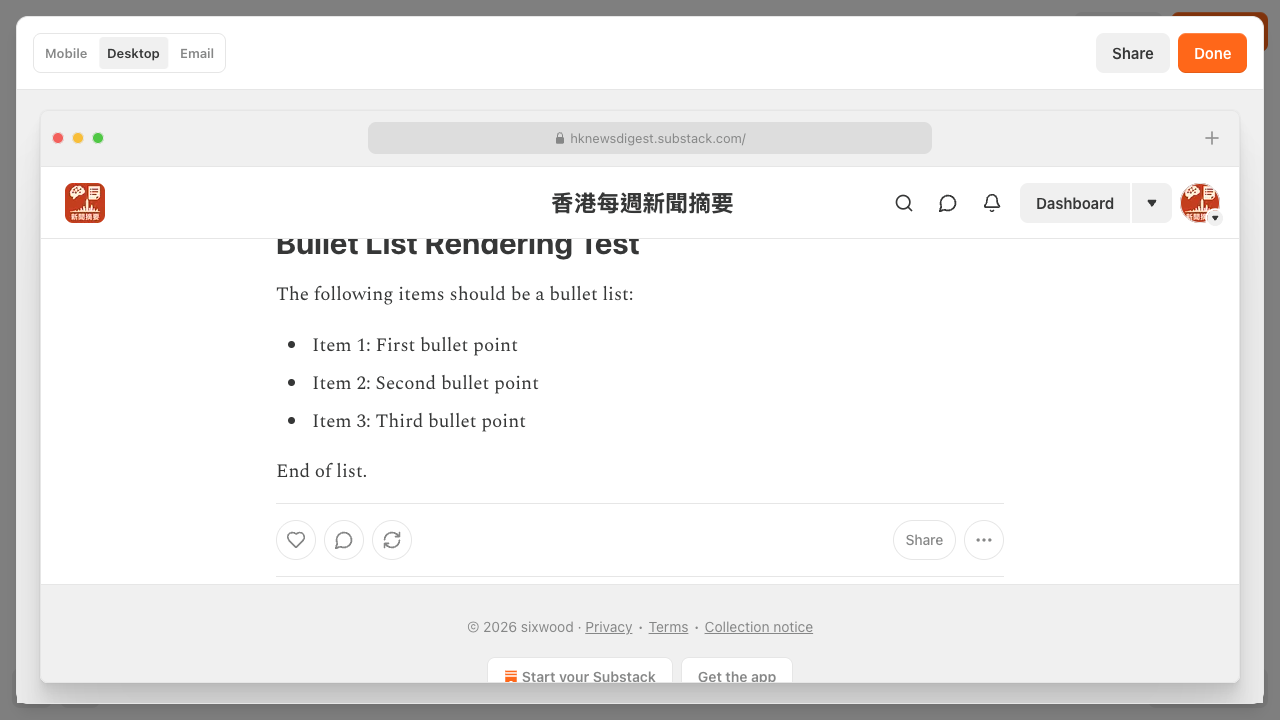
- Review it in Substack.
- Publish only when it is ready.
Markdown source:
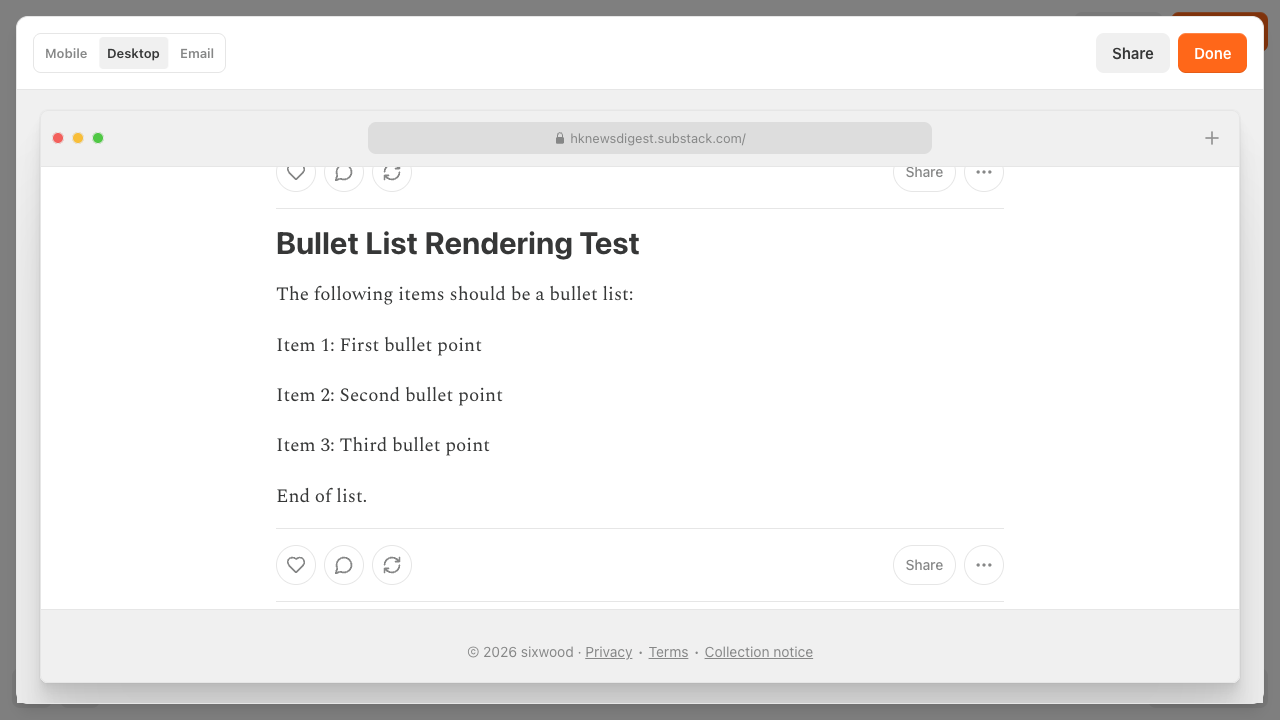
Rendered in Substack:
4. Create the draft
substack drafts create first-draft.md
drafts create always creates an unpublished draft. It never schedules,
sends, publishes, or deletes content. Open the returned draft ID in Substack
and review it there.
Continue with the unified CLI guide or use the Python SDK.